Update 1.2.6 · 2 min
Location in chat and online status
Send your meeting point right in the chat. And now you can see who is online, and who was here 5 min ago.
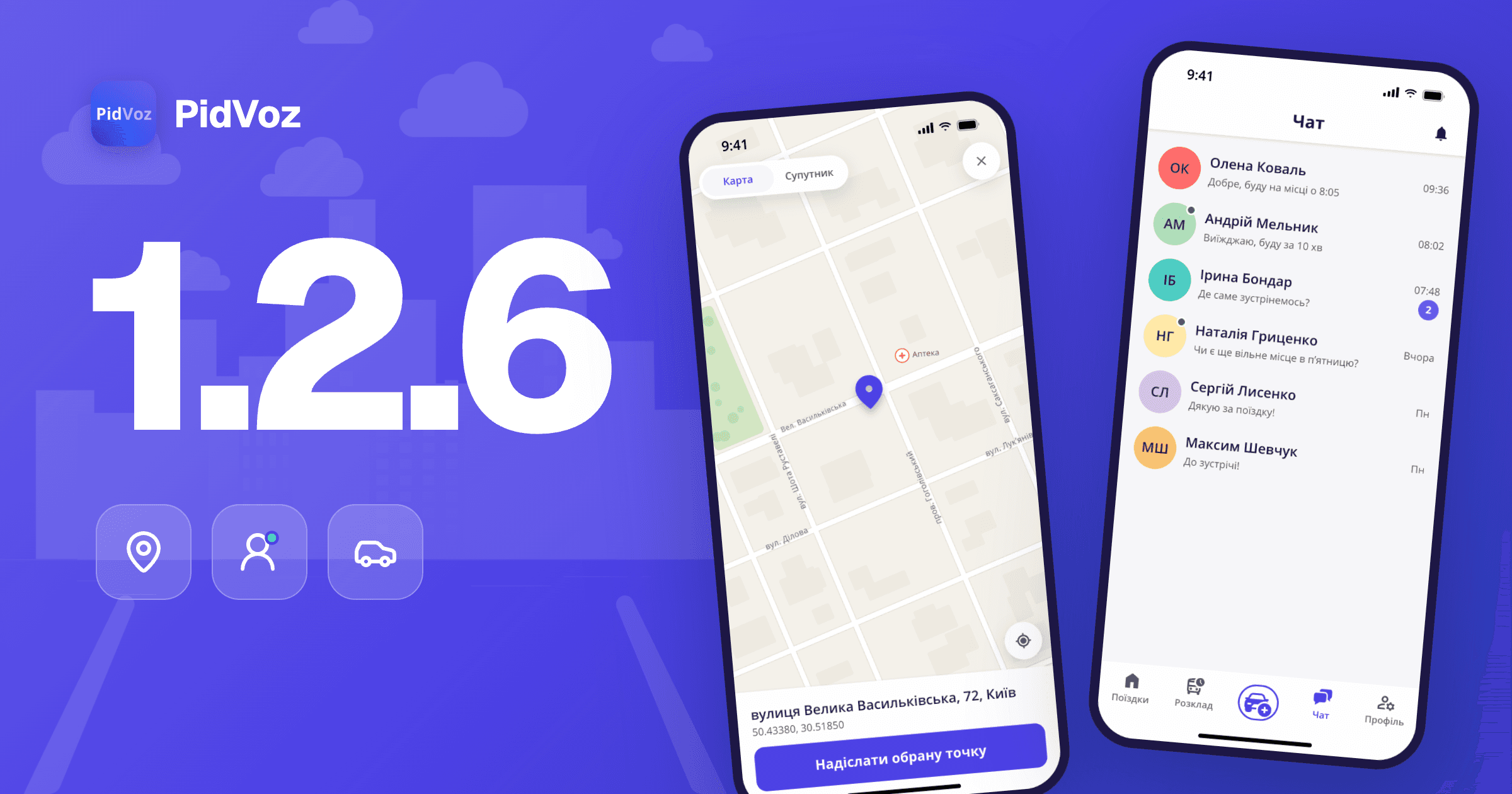
Version 1.2.6 brings location sharing in chat and online status. Agreeing on where to meet is now easier.
Location in chat
No need to explain in words where you are standing. Show the point on the map.
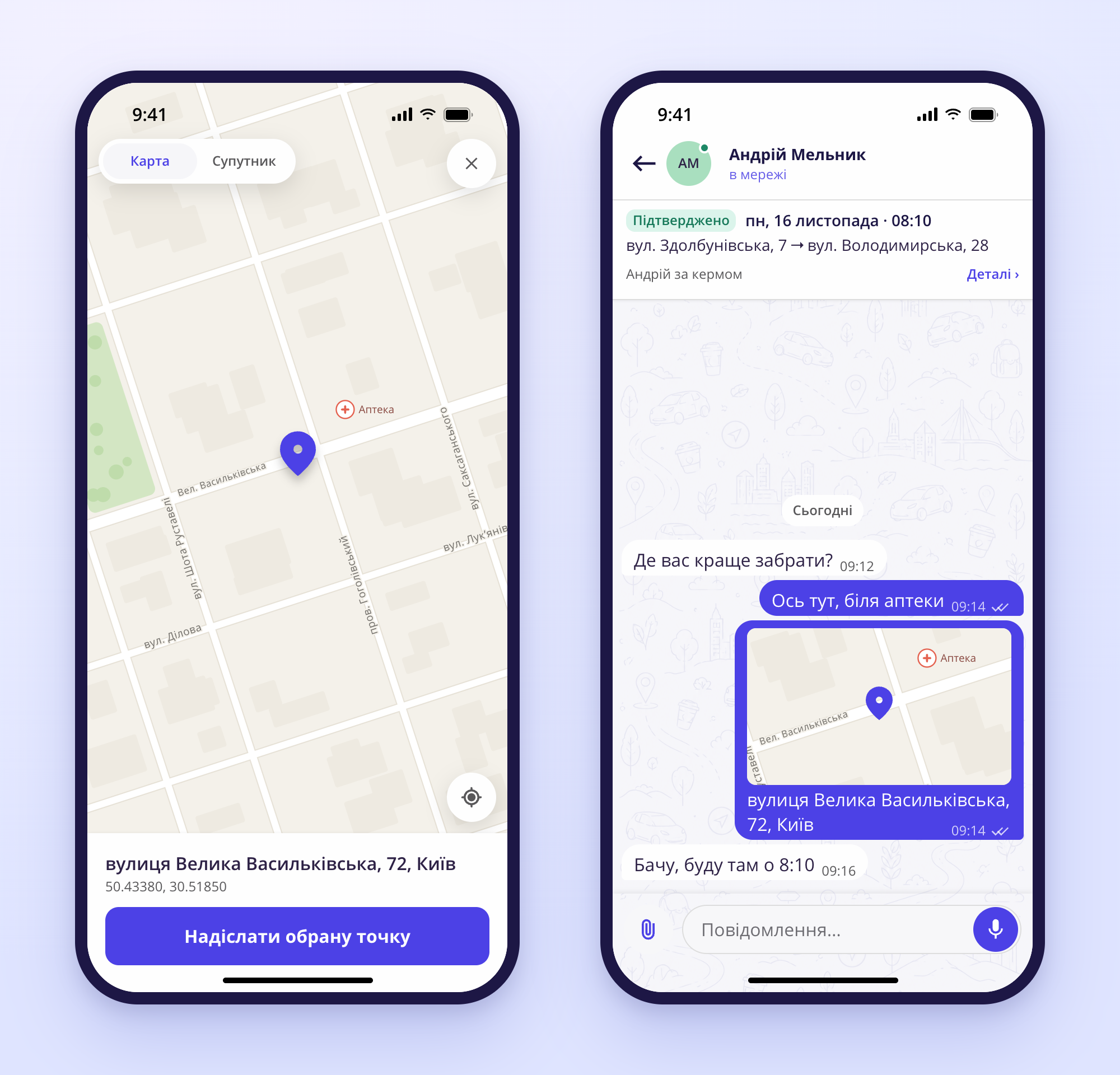
- In a chat, tap the paperclip to the left of the message field and choose Геолокація (Location).
- Надіслати мою геопозицію (Send my location) shares where you are now and how accurate it is.
- Need another point, like an entrance or a bus stop? Move the map: a pin appears, with its address below. Tap Надіслати обрану точку (Send selected point).
- You can pick a point on the map even without giving PidVoz access to your phone's location.
- The other person sees a map with the point and the address in the chat. A tap opens a big map. Маршрут (Route) opens Google Maps, Waze or, on iPhone, Apple Maps.
- If the other person has an older version of PidVoz, they get the address and a Google Maps link.
Who is online now
Now you can see if a person is in PidVoz right now, and if a quick reply is likely.
- A green dot on the avatar means the person is online. You see it in the chat list, in profiles, in search results and in trip requests.
- In a chat, under the name: «в мережі» (online) or when the person was last here, for example «була 5 хв тому» (was here 5 min ago).

Tip. Update PidVoz to version 1.2.6 in the App Store or Google Play to get all of this.

Not with us yet?
Download PidVoz and find people going your way. Free for iPhone and Android.